
Scacelith
A downloadable chess simulator for Windows, macOS, and Linux
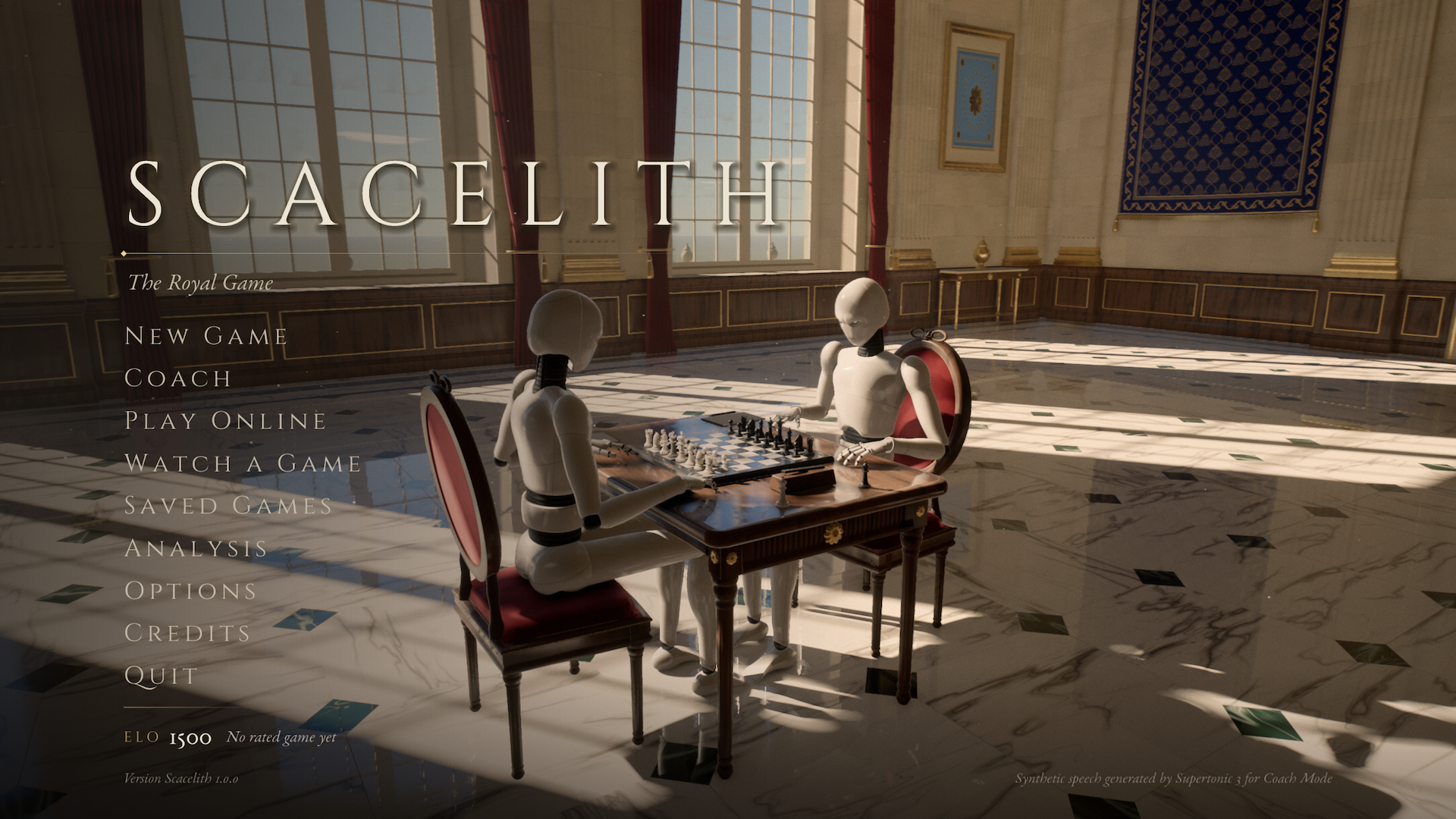
Scacelith is a free and open-source chess simulator played entirely in first person. You never click on a board seen from above: you play chess the way it is played over a real board.
Ways to play
- New Game against Stockfish 19, at any strength and time control, with an Elo rating of your own.
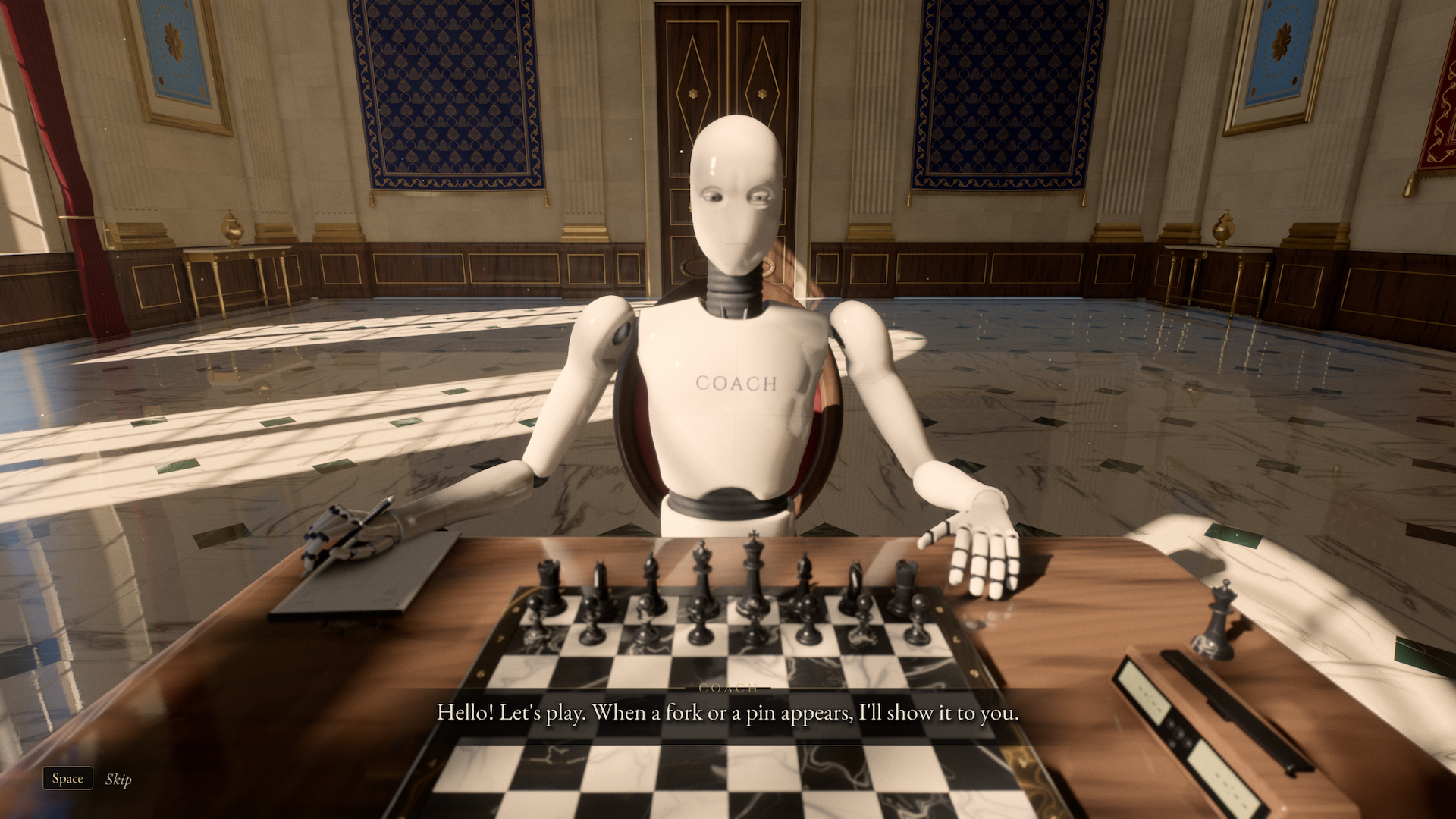
- Coach: a robot teacher plays at your level, explains your mistakes and shows them on the board with its own hand, from the rules of chess to expert level.
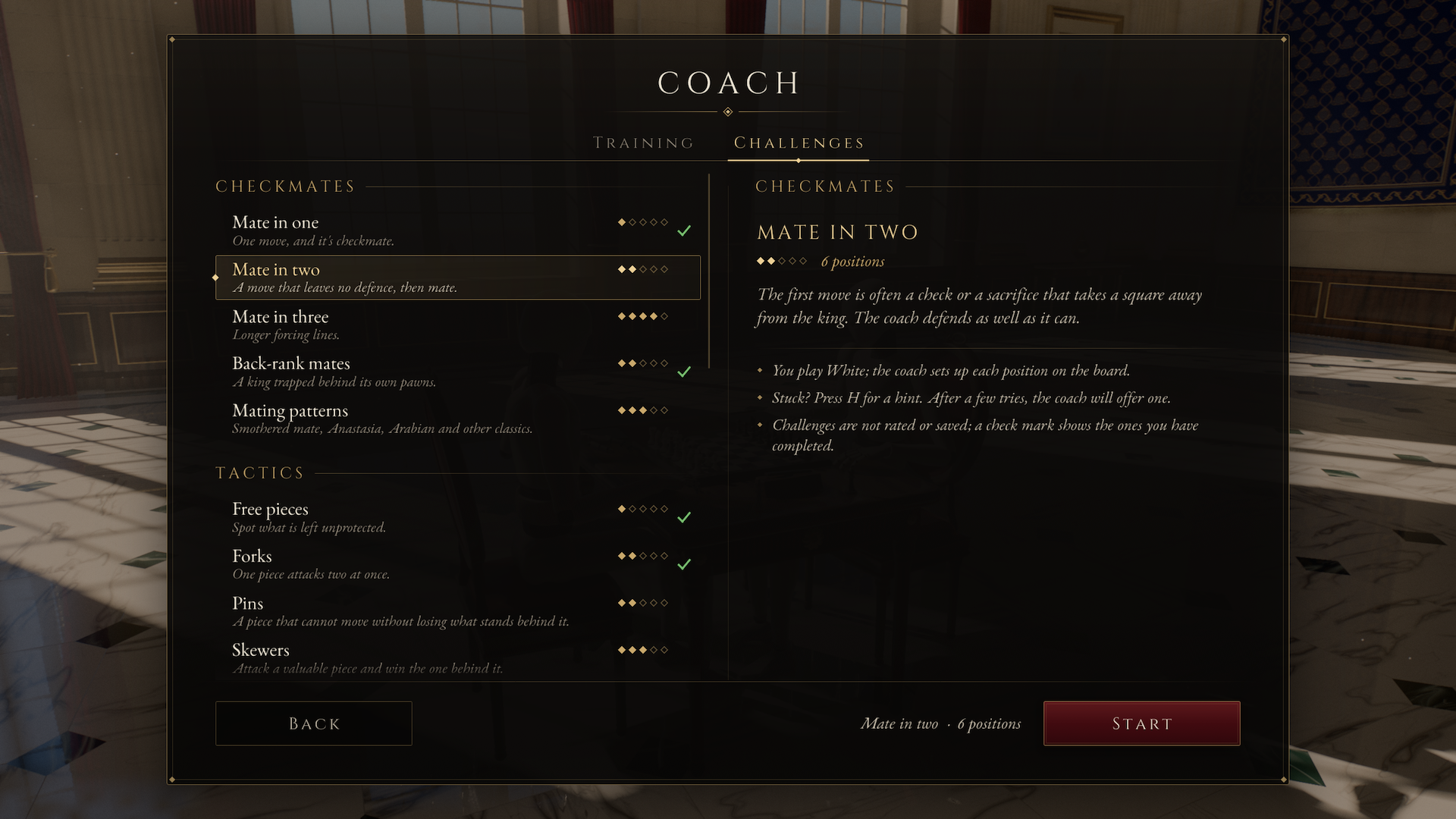
- Coach Challenges: 128 positions of tactics, mates and endgames.
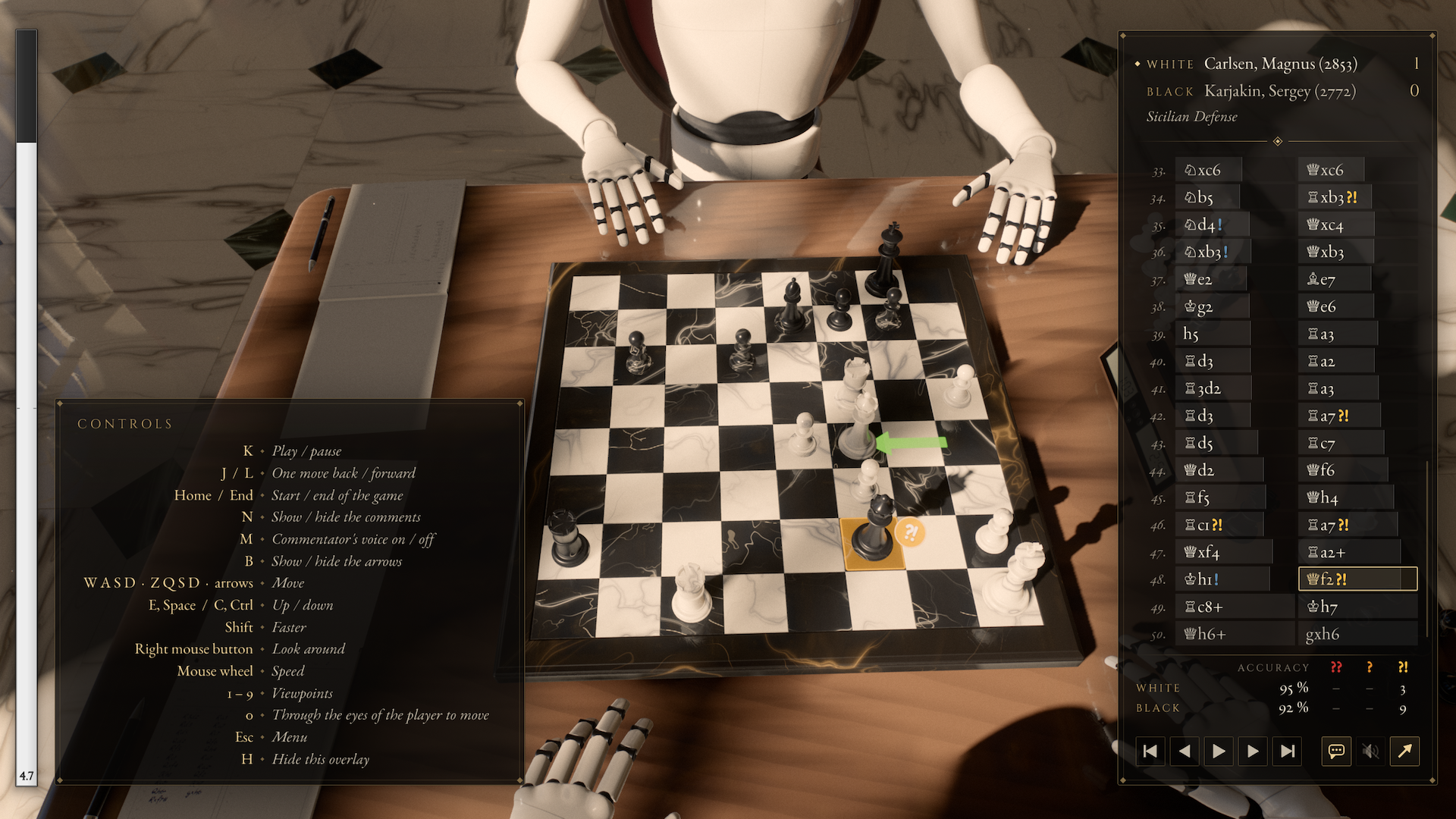
- Analysis of your games or of any PGN, with spoken comments.
- Play Online: rated games, challenges and private games on the official server or your own, or a direct match between two computers.
- Two players on one PC, and Watch a Game between two Stockfish players.
Made of code
An in-house OpenGL 4.6 engine, with nothing imported: the hall, the pieces, the robots and every sound are generated by code. Graphics presets from Very low to Ultra fit it to your graphics card. Basically there is no assets, no sounds, everything is made by code (C++ and shaders).
Requirements
- A graphics card with OpenGL 4.6.
- Windows x64, Linux x86-64 or aarch64 (glibc 2.34, OpenSSL 3, X11 or XWayland), or macOS 26 or later on Apple Silicon (experimental and unsigned: allow it once in System Settings > Privacy & Security > Open Anyway).
- Interface in 10 languages. Stockfish 19 is built in; the coach's voice is an optional download of about 399 MB.
How it was made
Conceived and directed by DarkCenobyte, written in 15 days by Claude Code agents (Claude Opus 5.5), with code audits by GPT-6 Astra. The icon was generated with ChatGPT. In the game, Stockfish 19 and the Supertonic 3 voice run on your computer. So yeah, it's basically vibe-coded, my contribution was mostly "decisions-making", "testing", ... Using my knowledge of which technology is good to use, ...
Links
Free software under the GNU GPL v3. Credits and licences are in the README.
Download
Install instructions
Scacelith needs no installer: download the file for your system, unpack it and play.
Windows (x64)
- Extract the
.zipanywhere, for example to your Desktop. - Open the extracted folder and run
Scacelith.exe.
The executable is not signed. If Windows SmartScreen says "Windows protected your PC", click More info, then Run anyway.
Linux (x86-64 or aarch64)
- Extract the
.tar.gz, for example withtar xf Scacelith-*.tar.gz. - Run
./scacelithin the extracted folder.
Optionally, ./install.sh adds Scacelith to your applications menu (in ~/.local, no root needed), and ./install.sh --uninstall removes it. The game needs glibc 2.34 and OpenSSL 3 (Ubuntu 22.04, Debian 12, Fedora 36 or later) and plays its sound through ALSA (libasound2).
macOS (Apple Silicon, macOS 26 or later, experimental)
- Open the
.dmgand drag Scacelith to Applications. - The app is not signed by a registered Apple developer, so macOS may refuses to open it the first time. After that first try, go to System Settings > Privacy & Security and click Open Anyway.
Note: the macOS version doesn't support tesselation effects, and due to the required translation from OpenGL to Vulkan to Metal, performance could not be great depending of your hardware (was tested on a M3 Pro with the "Low" and "Very Low" settings).
Updating and removing
To update, replace the old folder (or app) with the new one. Your settings, saved games and the coach's voice are kept in your user folder: %APPDATA%\scacelith on Windows, ~/.config/scacelith and ~/.local/share/scacelith on Linux, ~/Library/Application Support/scacelith on macOS. To remove the game, delete its folder (or app), and those folders too if you want to remove everything.
Development log
- A new update, version 1.0.2, is now available!1 day ago
- Initial stable release + first hotfix4 days ago

Leave a comment
Log in with itch.io to leave a comment.